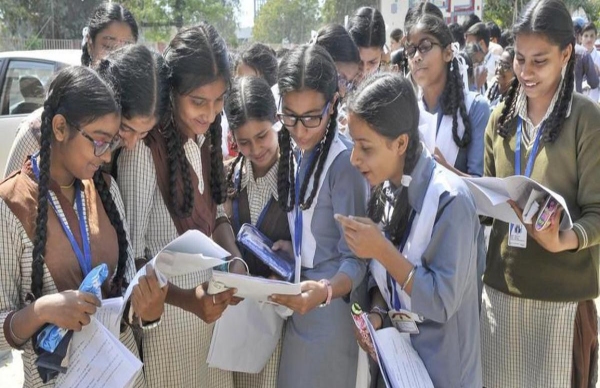
BSE Odisha 10th Result 2025: The Board of Secondary Education (BSE), Odisha, results are finally out on Friday, May 2nd, at around 6 pm. Students can access their scorecards and download mark sheets from the official links of BSE Odisha. The total passing percentage comes to around 94.93%, with females outperforming male students.
BSE Odisha 10th Result 2025 Highlights:
In 2025, a total of 5,12,438 students from 9,031 schools, registered for the said examination, while only 5,04,002 appeared for the exams. At least 8,436 students did not take their exam, while one student's result was withheld and about 170 students were under the malpractice category. Hence, about 4,85,240 students cleared their exam.
Girls passing rate stood higher at 96%, while bogs passing rate was at 94%.
Odisha 10th Result 2025: Check Toppers!
Under district-wise performance, Gajapati posted the highest pass rate of 99.35, while Ganjam and Jharsuguda districts' pass rate is 98.10% and 97.87% respectively.
BSE Odisha 10th Result: How To Check Scorecard?
Students who have appeared for the examination can access their scorecard through official links like:
Student can either their roll number of name to find the results.
BSE Odisha 10th Result VIA SMS:
To get your results on SMS, just type OR10 and send it to 5676750.
BSE Odisha 10th Result Via Online App:
There is an BSE Odisha app, where students can check their results. To login, you will have to enter your school code and password. You result will appear eventually.
How to check BSE Odisha Result 2025 online, as per Shiksha:
To view the Odisha 10th result 2025, students must have their BSE Odisha admit card 2025 close at hand. Follow the steps below to check the results online:
1.Visit orissaresults.nic.in 2. Next, select the "Annual Examination Result 2025" link. 3. Enter your date of birth and roll number. The format for DOB should be dd/mm/yyyy. 4. On the screen, the BSE Odisha 10th Result 2025 will appear. 5. Get a printout of the Odisha Matric Result 2025 after downloading it. 6. Verify every detail and bookmark the www-bseodisha-nic-in 2025 outcome for future use.
Notifications
Settings
Clear Notifications
No New Notifications
Notifications
Use the toggle to switch on notifications
Block for 8 hours
Block for 12 hours
Block for 24 hours
Don't block
To start receiving timely alerts, as shown below click on the Green “lock” icon next to the address bar
Click it and Unblock the Notifications
Close X
Close X
To Start receiving timely alerts please follow the below steps:
Click on the Menu icon of the browser, it opens up a list of options.
Click on the “Options ”, it opens up the settings page,
Here click on the “Privacy & Security” options listed on the left hand side of the page.
Scroll down the page to the “Permission” section .
Here click on the “Settings” tab of the Notification option.
A pop up will open with all listed sites, select the option “ALLOW“, for the respective site under the status head to allow the notification.
Once the changes is done, click on the “Save Changes” option to save the changes.




 Click it and Unblock the Notifications



 Sign in with Google